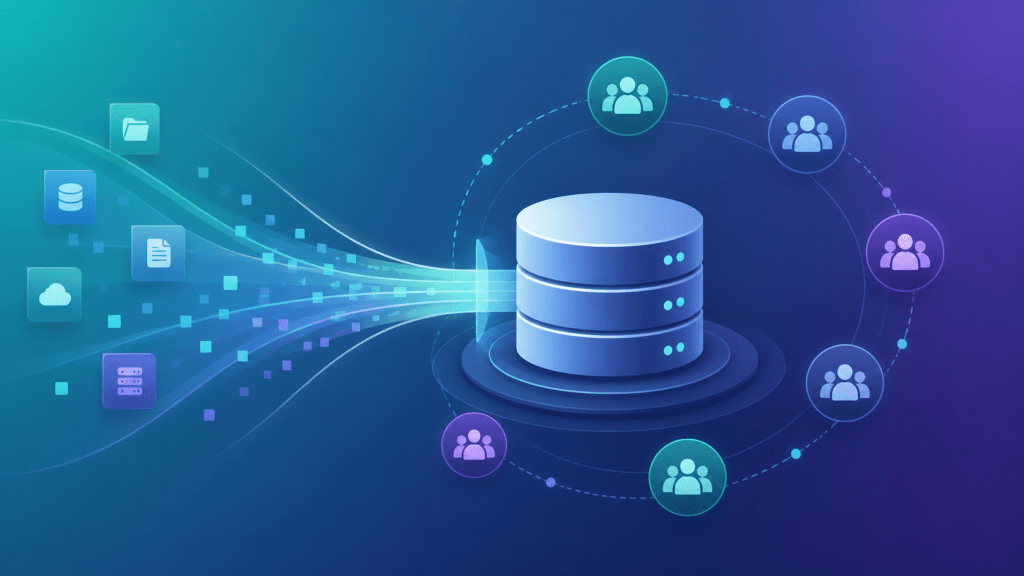
Google’s deadline to migrate Customer Match audiences to the Data Manager API arrived in 2026, and many performance teams are still running campaigns on legacy lists that will stop refreshing—or stop working entirely—without the migration. The stakes are higher than a technical upgrade: if your remarketing audiences stall, post-click conversion rates drop, and the CPA damage compounds daily.
→ Curious how return links work? See DeepClick in 1 minute — no review required, more impressions per click.
What Changed: Customer Match and the Data Manager Transition
Google’s Customer Match previously operated through direct CSV uploads to Google Ads—a system that worked but lacked privacy controls consistent with 2026’s regulatory landscape. The new Data Manager API enforces:
- Consent signal validation: Lists uploaded without verified consent metadata are flagged and restricted
- Automated refresh cadence: Data connections must be established through certified data partners or direct API integration—manual re-uploads no longer qualify for the most frequent refresh rates
- Cross-product eligibility: Customer Match lists that aren’t migrated lose eligibility for PMAX and Smart Bidding audience signals—not just standard campaign types
For teams running AI social apps or gaming titles with high-value user retargeting, losing PMAX audience signal eligibility is a direct CVR hit. Here’s how to complete the migration in four steps and protect your post-click performance.
Step 1: Audit Your Current Customer Match Lists
Before migrating, you need a complete inventory of what you have. In Google Ads:
- Navigate to Tools & Settings → Audience Manager → Audiences
- Filter by source: “Customer list”
- Note the size, last upload date, and match rate for each list
- Identify which campaigns use each list—especially PMAX, Performance Max, and Smart Bidding campaigns where audience signals drive automated bidding
Pay particular attention to lists with match rates below 30%—these may already be degraded from stale data or consent issues, and the migration won’t fix underlying data quality problems. Address data quality before migrating, not after.
Step 2: Establish a Data Manager Connection
The Data Manager connection is the core of the migration. You have two paths:
Option A: Direct API Integration
If your team has engineering resources, connect your CRM or data warehouse directly to the Customer Match API via the Google Ads API (v16+). This gives you real-time list refresh capability and full control over consent signal passing. Required parameters in each upload batch:
hashedEmailorhashedPhone(SHA-256 normalized)consent.adUserDataandconsent.adPersonalizationsignals- Country code and list membership TTL
Option B: Certified Data Partner Integration
If you don’t have engineering bandwidth, use a Google-certified data partner (Salesforce, HubSpot, LiveRamp, and others are certified). The partner handles the API layer; you provide the list and consent documentation. Setup typically takes 3–5 business days including partner verification.
Note: For gaming teams using third-party attribution platforms (AppsFlyer, Adjust, Singular), check whether your MMP has a native Data Manager connector—several do, which simplifies the consent signal chain significantly.
Step 3: Validate Consent Signals Before Activating
This is the step most teams skip—and it’s the one that causes post-migration restrictions. Google’s consent validation works at the list level, not the user level: if the consent metadata for a batch fails validation, the entire batch is restricted, not just the non-consented records.
Pre-activation checklist:
- ☑ All records in the list have documented consent to Google ad personalization
- ☑ Consent records are timestamped and attributable to a specific consent event
- ☑ Consent scope includes “ad personalization” specifically—generic marketing consent is not sufficient
- ☑ For EU/EEA users: consent collected under GDPR standards with a named DPA
If you’re unsure about consent status for older lists, start the migration with your most recent, highest-quality segments rather than your largest ones. Migrate high-confidence segments first to maintain campaign continuity while you clean up older data.
Step 4: Reconnect Audience Signals in PMAX Campaigns
After migration, migrated lists don’t automatically re-attach to campaigns that were using the legacy versions. You need to manually update audience signals in each affected campaign:
- In each PMAX campaign, navigate to Audience Signals
- Remove the legacy Customer Match segment (it will show as “Limited” or “Eligible—limited”)
- Add the new migrated segment
- Add any in-market or custom intent segments that complement the Customer Match signal
- Monitor Smart Bidding performance for the first 2 weeks post-migration—expect 3–7 days of signal re-learning
For AI social app campaigns specifically, pair your Customer Match high-value user segment with a custom intent audience based on competitor app queries. This combination gives PMAX the richest possible signal for lookalike expansion, which is where post-click CVR improvements compound most significantly.
CVR Protection During the Migration Window
The migration window (typically 2–4 weeks when running in parallel with live campaigns) is when post-click performance is most vulnerable. Customer Match signals may fluctuate as old lists phase out and new connections stabilize. To protect CVR during this period:
- Don’t pause campaigns during migration: Let legacy and migrated lists overlap for at least one full week to avoid audience gaps
- Activate ad fallback pages: Return traffic recovery becomes especially valuable when your audience targeting is in transition—fallback pages capture users who clicked but didn’t convert, with no dependency on audience signals
- Increase landing page message specificity: During signal re-learning periods, a more specific landing page message compensates for less-precise audience targeting. Match the landing page exactly to your highest-converting ad creative.
See how this connects to broader conversion rate optimization in our Google Ads Conversion Value Optimization 2026 guide and the post-click CVR framework for algorithm-driven platforms.
Migration Timeline and What to Expect
| Day | Action | Expected Outcome |
|---|---|---|
| 1–3 | Audit lists, identify consent gaps | Migration scope defined |
| 4–7 | Establish Data Manager connection | API or partner integration live |
| 8–10 | Upload migrated lists, validate consent signals | New lists show “Eligible” status |
| 11–14 | Reconnect audience signals in PMAX | Smart Bidding begins re-learning |
| 15–21 | Monitor CVR, compare pre/post-migration metrics | Stabilization of audience performance |
| 22+ | Deprecate legacy lists | Full Data Manager operation |
Summary: Customer Match Migration Action List
- ☑ Audit all Customer Match lists for size, match rate, and campaign dependencies
- ☑ Clean up consent gaps before migrating—migrate high-confidence segments first
- ☑ Establish Data Manager connection via API or certified partner
- ☑ Validate consent signals (ad personalization scope) before activation
- ☑ Reconnect audience signals in all PMAX campaigns post-migration
- ☑ Protect CVR during migration window with fallback pages and message-matched landing pages
- ☑ Monitor Smart Bidding performance for 2 weeks post-migration
One ad click, multiple no-review impressions — that’s the DeepClick return link.
DeepClick helps Meta advertisers recover lost clicks with Ad Fallback Pages (+10-20% clicks), reduce ad complaints by 80%, and unlock 5-15% more conversions — without going through ad review again.
 DeepAds
留下评论