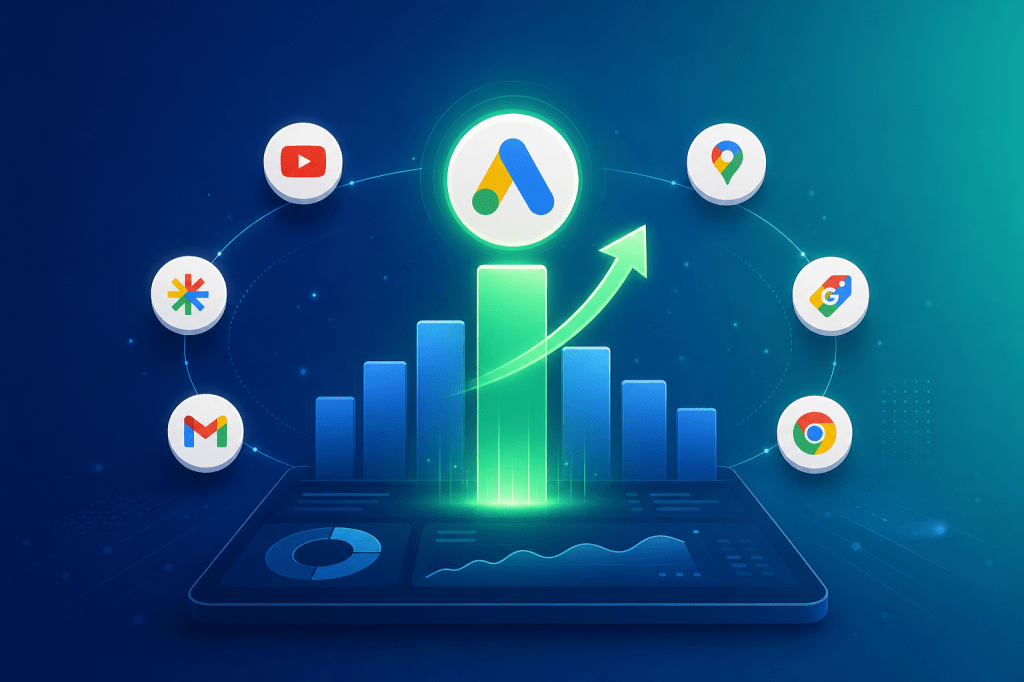
You launched a Performance Max campaign, set your target CPA, and let Google’s AI do its thing. Conversions are trickling in — but something feels off. Your blended CVR looks acceptable, yet when you dig into the channel-level breakdown, YouTube is burning budget at a 0.3% conversion rate while Search captures leads at 4.8%. Your average is a mirage. The real question is: where exactly is your PMax budget going, and is each channel actually pulling its weight on post-click performance?
This guide breaks down how to dissect PMax channel-level CVR differences, identify where post-click leakage is killing your ROAS, and implement concrete optimization strategies — especially for AI social app and gaming teams running aggressive paid acquisition in 2026.
→ Curious how return links work? See DeepClick in 1 minute — no review required, more impressions per click.
The Core Problem: PMax’s Black Box Hides Massive CVR Gaps
Google Performance Max campaigns consolidate Search, Display, YouTube, Discover, Gmail, and Maps into a single campaign. The appeal is obvious: one campaign, all channels, AI-optimized bidding. But this consolidation creates a critical blind spot for advertisers focused on conversion rate optimization.
Here is what the data shows across 2025–2026 benchmarks:
- Search placements within PMax typically convert at 3.5%–6.2% CVR, driven by high-intent keyword matching.
- Shopping placements range from 1.8%–4.1% CVR, depending on product feed quality and pricing competitiveness.
- YouTube placements often sit at 0.2%–0.8% CVR — awareness-stage traffic that rarely converts on first touch.
- Display Network placements average 0.4%–1.2% CVR, with enormous variance based on audience segment and creative format.
- Discover/Gmail placements hover around 0.6%–1.5% CVR, with strong variance by vertical.
The problem is not that YouTube or Display have low CVR — that is expected for upper-funnel channels. The problem is that PMax’s automated budget allocation often over-indexes on cheaper impressions (Display and YouTube) to hit volume targets, silently draining budget from the high-CVR channels that actually drive your CPA goals. For gaming and AI social app teams running at scale, this misallocation can mean tens of thousands of dollars per month flowing into channels where post-click performance is fundamentally broken.
Google’s own reporting has improved in 2026 with channel-level insights in the PMax asset group reports, but the data remains aggregated in ways that obscure per-channel post-click behavior. You see impressions and conversions by channel — but not bounce rates, session depth, or funnel drop-off by channel. That gap is where optimization opportunities hide.
Why Channel-Level CVR Differences Destroy Your Post-Click Performance
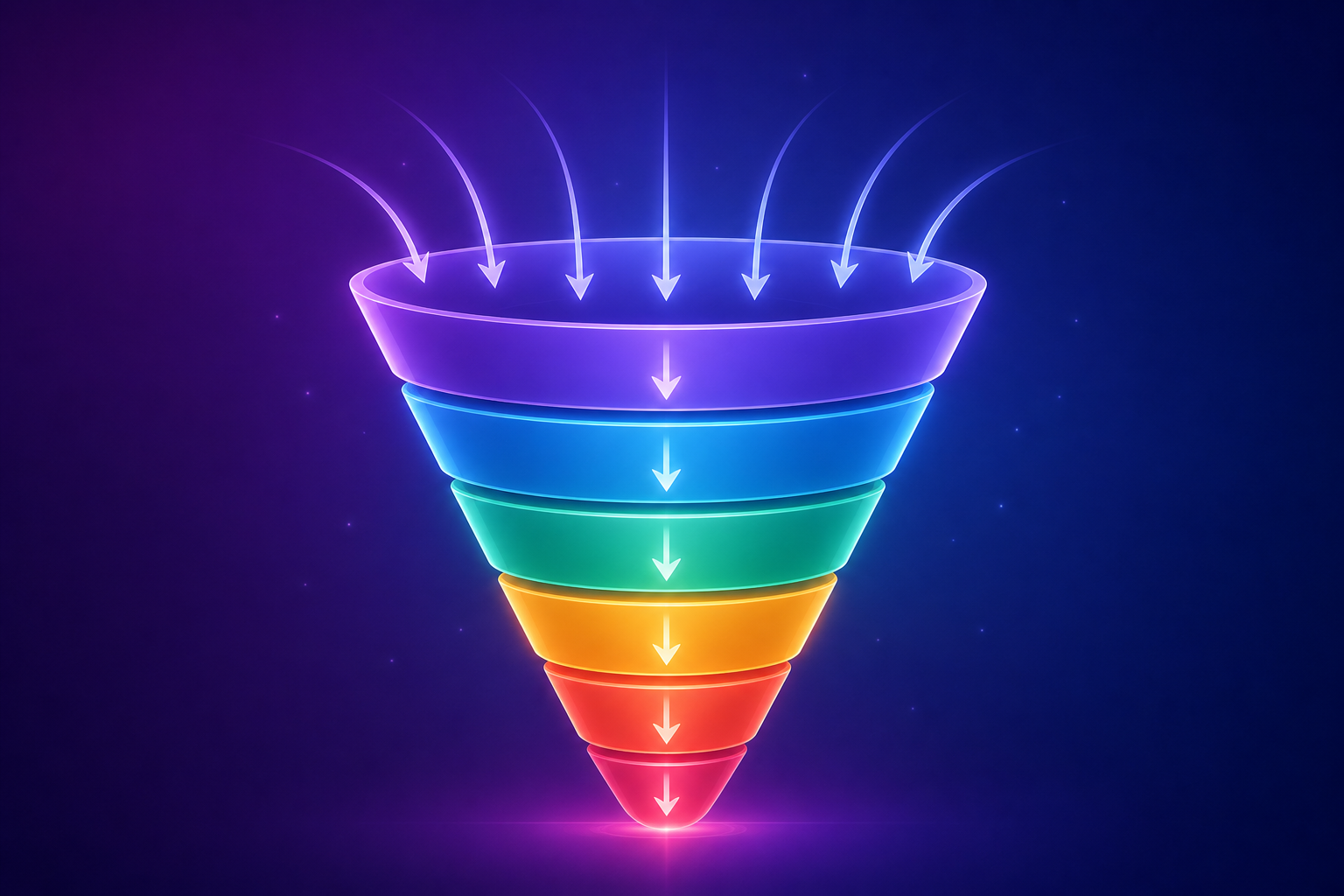
Understanding why different PMax channels convert at wildly different rates is not academic — it directly determines your optimization strategy. The CVR gap is driven by three compounding factors:
1. Intent Mismatch at the Click Level
A user clicking a Search ad for “best AI avatar app 2026” has explicit purchase or download intent. A user seeing your YouTube pre-roll while watching gaming content has zero intent — they were interrupted. These two clicks arrive at the same landing page, but the post-click journey should be radically different. Most PMax advertisers send all traffic to a single destination, treating a Search click and a YouTube click as equivalent. They are not.
Data from cross-channel attribution studies in the Privacy Sandbox attribution landscape shows that multi-touch conversion paths initiated from YouTube take an average of 3.2 additional touchpoints before converting, compared to 0.8 for Search-initiated paths. If your post-click experience does not account for this, you are measuring YouTube CVR against a standard it was never designed to meet.
2. Landing Page Experience Fragmentation
PMax serves different ad formats across channels — text ads on Search, video on YouTube, image carousels on Display, native cards on Discover. Each format sets a different expectation. When the landing page fails to match the creative context, bounce rates spike. Industry benchmarks for 2026 show:
- Search-to-landing-page bounce rate: 38%–45%
- Display-to-landing-page bounce rate: 62%–74%
- YouTube-to-landing-page bounce rate: 71%–82%
The delta between Search and YouTube bounce rates — often 30+ percentage points — represents pure post-click waste. For every 1,000 YouTube clicks you pay for, 710–820 visitors leave immediately. That is budget evaporating before your funnel even begins.
3. Audience Quality Variance by Channel
PMax’s audience signals work differently across channels. On Search, audience signals refine keyword targeting. On Display and YouTube, audience signals ARE the targeting. The result: Display and YouTube audiences often skew toward broader, less qualified segments — especially when PMax’s AI expands beyond your initial signals to find volume. For gaming BC teams, this means Display might serve your ads to casual mobile users with no history of in-app purchases, while Search captures users actively researching your game category.
This is fundamentally a Facebook Ads conversion rate optimization problem applied to Google’s ecosystem — the post-click experience must adapt to the traffic source, not ignore it.
Solution 1: Build a Channel-Level CVR Audit Dashboard
Before you can optimize, you need visibility. PMax’s native reporting in 2026 provides channel-level data, but you need to combine it with post-click analytics to get a complete picture.
Step 1: Extract PMax Channel-Level Performance Data
Navigate to your PMax campaign in Google Ads. Go to Insights → Performance Insights → Channels. Export the following metrics by channel: impressions, clicks, cost, conversions, conversion value. Calculate CVR (conversions/clicks) and CPA (cost/conversions) for each channel independently. You will likely see a 5–15x CVR gap between your best and worst performing channels.
Step 2: Map Post-Click Metrics to Each Channel
In Google Analytics 4, create channel-specific segments using UTM parameters or the Google Ads integration. For each PMax channel, track: bounce rate, average session duration, pages per session, micro-conversion completion (email signup, add-to-cart, content engagement), and macro-conversion completion. Build a comparison table that maps pre-click metrics (from Google Ads) to post-click metrics (from GA4) by channel.
Step 3: Calculate Your “True CVR” by Channel
Many PMax conversions are view-through or cross-device attributed. For each channel, separate click-through conversions from view-through conversions. Calculate “click-through CVR” — this is your true post-click performance metric. In most cases, YouTube’s already-low CVR drops further when you strip out view-through attribution. Display often shows a similar pattern. This is your real baseline for optimization.
Step 4: Identify the Budget Reallocation Opportunity
Calculate the effective CPA by channel. If Search is converting at a $12 CPA and YouTube at a $85 CPA within the same PMax campaign, you have a clear signal. Estimate the conversion volume you would gain by shifting 20–30% of low-CVR channel budget to high-CVR channels. This calculation often reveals a 15–25% potential ROAS improvement without any creative or landing page changes.
Solution 2: Implement Channel-Aware Post-Click Experiences
The highest-leverage optimization for PMax channel CVR is not in the ad platform — it is on your landing page. Different channels require different post-click treatments.
Step 1: Create Channel-Specific Landing Page Variants
Build at least three landing page variants for your PMax campaign:
- High-intent variant (for Search traffic): Direct, conversion-focused. Lead with your value proposition, pricing, and CTA. Minimize friction. These visitors know what they want.
- Mid-intent variant (for Shopping/Discover): Product-focused with social proof. Include comparison tables, reviews, and detailed feature breakdowns. These visitors are considering but not committed.
- Low-intent variant (for YouTube/Display): Education-first. Lead with the problem you solve, include video content, offer a low-commitment micro-conversion (free trial, content download) before pushing the macro-conversion. These visitors need nurturing.
Step 2: Deploy Dynamic URL Parameters for Channel Detection
Use Google Ads ValueTrack parameters to pass channel information to your landing page. Add {network} and {placement} parameters to your PMax final URL. Your landing page JavaScript can then detect the traffic source and dynamically adjust the experience — showing different hero sections, CTAs, and content depth based on the originating channel.
Step 3: Optimize the Post-Click Fallback Path
Not every click converts on the first visit — especially from YouTube and Display. Implement a robust fallback strategy for non-converting clicks. This is where post-click recovery becomes critical. When a visitor from a low-intent channel bounces, the click is not necessarily lost — if you have a mechanism to re-engage them without requiring a new ad impression and new ad spend. Technologies like return links and ad fallback pages can recover 10–20% of these lost clicks by providing additional touchpoints without additional ad cost or review cycles.
Step 4: Set Up Channel-Specific Conversion Tracking
Create separate conversion actions in Google Ads for each stage of your funnel. Map micro-conversions (page engagement, video watch, email signup) as secondary conversion actions. This gives PMax’s AI better signals about which channels drive quality engagement even when they do not drive immediate macro-conversions. Over time, this improves PMax’s allocation decisions within the campaign.
Solution 3: Strategic PMax Campaign Segmentation
Sometimes the best way to optimize PMax channel CVR is to break the campaign apart — strategically.
Step 1: Separate Brand and Non-Brand PMax Campaigns
Create brand exclusion lists in your PMax campaign. Run a separate Search campaign for brand terms. This prevents PMax from inflating its CVR metrics by capturing easy brand conversions on Search while spending the bulk of budget on low-CVR Display and YouTube placements. Many advertisers discover that their PMax “performance” was 40–60% brand cannibalization.
Step 2: Use Asset Group Segmentation to Control Channel Mix
Create separate asset groups optimized for different channels. An asset group with only text and image assets will not serve on YouTube. An asset group with only video assets will focus on YouTube and Discover. This gives you indirect control over channel allocation without leaving PMax entirely. Monitor CVR by asset group to see which channel-specific groups are performing.
Step 3: Implement Channel-Level Budget Caps via Campaign Structure
If your audit reveals that YouTube is consuming 40% of PMax budget at a 0.3% CVR, consider running a separate YouTube-only Video Action campaign with its own budget. This lets you cap YouTube spend while keeping PMax focused on the channels where it delivers strong post-click performance. The same approach works for Display — break it into a separate Display campaign with its own CPA target and budget.
Step 4: Coordinate with Your Cross-Platform Strategy
PMax channel optimization does not happen in isolation. If you are also running Meta campaigns, your Google Ads AI qualified lead strategy should account for cross-platform frequency and attribution. A user who saw your YouTube PMax ad and then converted via a Meta retargeting ad creates attribution confusion that distorts both platforms’ CVR metrics. Build a unified measurement framework that tracks true incremental conversions by channel, across platforms.
Summary and Action Checklist
PMax’s automated channel allocation is a double-edged sword. It simplifies campaign management but obscures critical CVR differences that directly impact your ROAS. For AI social app and gaming teams spending aggressively on paid acquisition, the channel-level CVR gap in PMax is likely your single largest source of hidden budget waste in 2026.
Here is your action checklist:
- Week 1: Build your channel-level CVR audit dashboard. Extract PMax channel data, map it to GA4 post-click metrics, and calculate true click-through CVR by channel. Identify your biggest CVR gap.
- Week 2: Create channel-aware landing page variants. Deploy at least a high-intent (Search) and low-intent (YouTube/Display) variant. Implement ValueTrack parameters for automatic channel detection.
- Week 3: Segment your PMax campaigns. Separate brand from non-brand. Create channel-specific asset groups. Consider breaking low-CVR channels into standalone campaigns with independent budgets.
- Week 4: Implement post-click recovery. Set up fallback paths for non-converting clicks from low-intent channels. Deploy return link technology to capture additional impressions from existing clicks without new ad spend.
- Ongoing: Monitor channel-level CVR weekly. PMax’s allocation shifts over time as its AI learns — what was a Search-heavy campaign in week one can become Display-heavy by week four. Stay vigilant.
The advertisers who win in 2026 are not the ones spending the most — they are the ones who understand where every dollar goes after the click. Channel-level CVR optimization in PMax is where that understanding starts.
One ad click, multiple no-review impressions — that’s the DeepClick return link.
DeepClick helps Meta advertisers recover lost clicks with Ad Fallback Pages (+10-20% clicks), reduce ad complaints by 80%, and unlock 5-15% more conversions — without going through ad review again.


留下评论