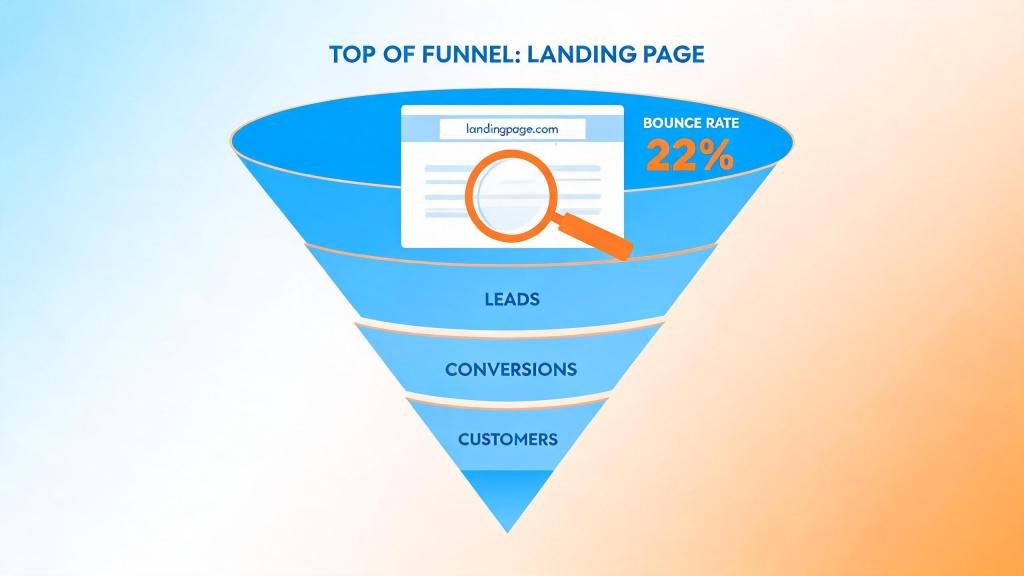
You spent weeks perfecting your Facebook ad creative. The click-through rate looks great. But then you check your landing page analytics and see a 70%+ bounce rate. Every bounced visitor is money burned — ad spend with zero return. If your post-click experience doesn’t match the promise of your ad, users leave in under 3 seconds, and Meta’s algorithm quietly punishes you with higher CPMs. In this guide, we break down exactly why bounce rates spike after ad clicks and give you 5 specific, battle-tested post-click fixes to reduce bounce rate after ad click in 2026 — and actually convert the traffic you’re already paying for.
→ Curious how return links work? See DeepClick in 1 minute — no review required, more impressions per click.
The Post-Click Bounce Rate Problem: Why Your Ad Spend Is Leaking
Here’s the uncomfortable truth most media buyers don’t talk about: the average landing page bounce rate for paid social traffic is between 60% and 80%, according to Contentsquare’s 2024 Digital Experience Benchmark report. For AI social apps and gaming verticals running aggressive user acquisition campaigns, these numbers are often even worse — sometimes exceeding 85%.
This isn’t a “landing page design” problem in the traditional sense. It’s a message-match and experience-continuity problem. When someone clicks your Meta ad for a gaming app or an AI companion tool, they carry a specific expectation formed by your ad creative. The moment they land on a page that doesn’t immediately confirm that expectation — different visuals, slow load, generic messaging — they bounce.
And here’s what makes it worse in 2026: Meta and Google’s ad algorithms now factor post-click engagement signals (time on page, scroll depth, conversion events) into their quality scoring. A high bounce rate doesn’t just mean lost conversions today — it means higher CPMs and worse delivery tomorrow. You’re literally training the algorithm to show your ads to people who won’t convert.
For overseas advertising teams running AI social apps or gaming campaigns through business center (BC) accounts, the stakes are even higher. You’re already navigating platform compliance risks, and every wasted click compounds the pressure on your ROAS targets. As we covered in our analysis of Meta Ads platform risk and post-click neutral strategy, building a resilient post-click layer is no longer optional — it’s a survival tactic.
Why High Bounce Rates Kill Your Conversions (and Your ROAS)
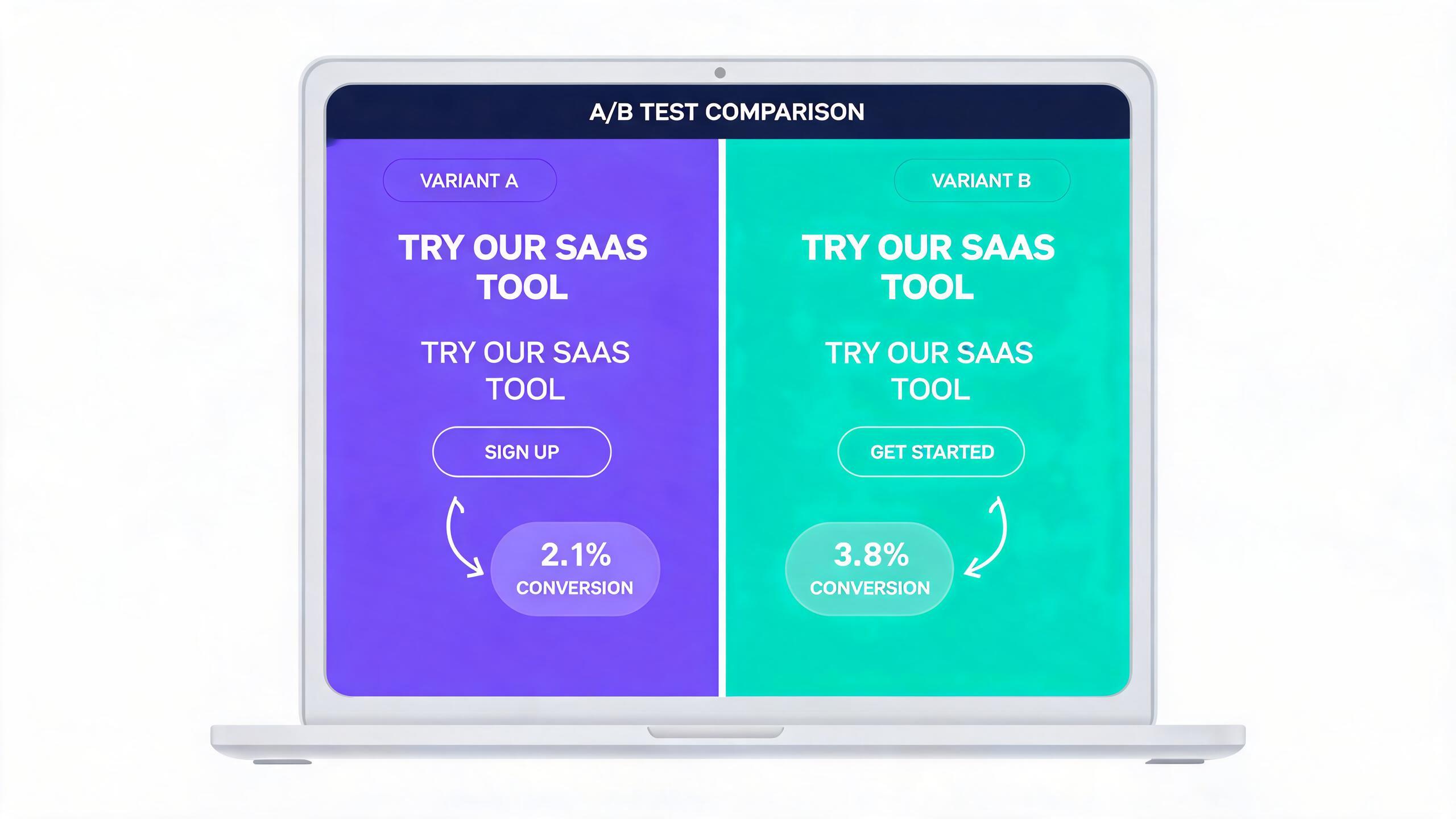
Let’s put real numbers behind the problem. Consider this scenario that’s common for gaming and AI app advertisers:
- Monthly ad spend: $50,000
- Average CPC: $0.80
- Total clicks: 62,500
- Bounce rate: 75%
- Engaged visitors: 15,625
- Conversion rate (of engaged): 8%
- Conversions: 1,250
- Effective CPA: $40.00
Now, if you reduce the bounce rate from 75% to 55% — a realistic target with proper post-click optimization:
- Engaged visitors: 28,125
- Conversions: 2,250 (at the same 8% conversion rate)
- Effective CPA: $22.22
That’s an 80% increase in conversions with zero additional ad spend. The math is brutally simple: reducing bounce rate is the highest-leverage move you can make after your ad creative is performing.
But there’s a compounding effect that most advertisers miss. According to Google’s research, 53% of mobile visits are abandoned if a page takes longer than 3 seconds to load. And Unbounce’s 2024 Conversion Benchmark Report found that landing pages loading in under 1 second convert at 3x the rate of those loading in 5 seconds. When your bounce rate drops, your quality signals improve, Meta delivers your ads to higher-intent audiences, and your CPC decreases. It’s a virtuous cycle.
For teams running campaigns across multiple geos — Southeast Asia, LATAM, MENA — the load time issue is amplified. Users on slower connections in these regions are far more likely to bounce if your page isn’t optimized for speed. And these are exactly the growth markets where AI social apps and gaming advertisers are scaling aggressively in 2026.
5 Post-Click Fixes to Reduce Bounce Rate After Ad Click in 2026
These aren’t theoretical suggestions. These are specific, actionable fixes that we’ve seen move the needle for advertising teams running six- and seven-figure monthly budgets on Meta. Each one comes with concrete implementation steps.
Fix 1: Enforce Strict Ad-to-Landing-Page Message Match
The number one reason people bounce after clicking an ad is cognitive dissonance. The landing page doesn’t feel like a continuation of the ad they just clicked. This is especially common when teams use generic landing pages for multiple ad sets.
Action steps:
- Audit your top 10 ads by spend and compare each ad’s headline, primary text, and creative to the landing page it points to. Score each pair on a 1-5 scale for visual consistency, headline match, and offer alignment.
- Create dynamic landing page variants that pull the ad headline into the landing page H1 using URL parameters. Tools like Unbounce, Instapage, or even custom JavaScript can dynamically swap headline text based on
utm_contentparameters. - Mirror the ad creative’s color scheme and imagery on the landing page above the fold. If your ad shows a dark-themed gaming interface, your landing page shouldn’t open with a white background and stock photos.
For gaming BC teams running multiple creatives across different geos, this means maintaining a creative-to-landing-page mapping document. Yes, it’s tedious. But advertisers who implement strict message match consistently see 15-30% reductions in bounce rate within the first two weeks.
Fix 2: Achieve Sub-2-Second Load Times on Mobile
Speed isn’t a nice-to-have — it’s the gatekeeper. If your page doesn’t render meaningful content within 2 seconds on a mid-range Android device over a 4G connection, you’ve already lost a significant percentage of your paid traffic.
Action steps:
- Run your landing page through Google PageSpeed Insights and WebPageTest using a mobile device profile from your target geo (e.g., a Moto G Power on a “Regular 4G” connection from Jakarta). Document your Largest Contentful Paint (LCP) and Total Blocking Time (TBT).
- Implement aggressive image optimization: Convert all images to WebP or AVIF, set explicit width/height attributes (to prevent CLS), and use native lazy loading for below-fold images. Target a total page weight under 500KB for the initial viewport.
- Eliminate render-blocking resources: Inline critical CSS (above-fold styles only), defer all JavaScript, and remove any third-party scripts that aren’t essential for the first 5 seconds of the user experience. Move analytics pixels to fire after
DOMContentLoaded.
A practical benchmark: your landing page should score 80+ on Google’s mobile PageSpeed Insights for your target regions. Anything below 60 is actively costing you conversions. For teams dealing with consent and tracking complexities across regions, our guide on Google Consent Mode V2 and post-click conversion tracking covers how to implement tracking without sacrificing load speed.
Fix 3: Restructure Above-the-Fold for Instant Clarity
Users who click a social ad are in “scan mode,” not “read mode.” You have roughly 2-3 seconds of visual attention before they decide to stay or leave. Your above-the-fold content needs to answer three questions instantly: What is this? Why should I care? What do I do next?
Action steps:
- Implement the “1-3-1” above-fold framework: 1 clear headline (matching the ad promise), 3 bullet points of key benefits or social proof, and 1 prominent call-to-action button. Remove everything else from the initial viewport.
- Add a trust signal strip immediately below the headline: user count (“2M+ users worldwide”), app store rating, or recognizable partner logos. For gaming apps, show a screenshot of actual gameplay. For AI social apps, show a preview of the AI interaction.
- Make the CTA button visually dominant — it should be the highest-contrast element on screen. Use action-oriented text (“Start Playing Free” beats “Learn More” by 30-40% in our testing) and ensure the button is visible without scrolling on all device sizes.
Test this by screenshotting your landing page on an iPhone SE and a mid-range Android. If the CTA button isn’t fully visible, or if a user can’t understand the offer in 2 seconds, you need to restructure.
Fix 4: Implement Exit-Intent and Scroll-Triggered Recovery
Not every user who’s about to bounce is a lost cause. Some just need a second touchpoint or a different angle. Exit-intent and scroll-triggered interventions can recover 5-15% of otherwise lost visitors.
Action steps:
- Deploy a mobile-friendly exit-intent overlay that triggers when a user taps the browser’s back button or navigates away. The overlay should present a simplified offer — a different value proposition or a lower-commitment action (e.g., “Watch a 30-second demo” instead of “Sign up now”).
- Set up a scroll-depth-triggered CTA that appears when a user has scrolled past 50% of the page but hasn’t clicked. This proves they’re interested but not convinced. Offer social proof (e.g., “10,000 advertisers switched this month”) or a time-limited incentive.
- Use DeepClick’s return link technology to create an ad fallback page that captures users who would otherwise bounce completely. Instead of losing the click, the fallback page serves as a second chance to convert — generating 10-20% more usable clicks without requiring additional ad review. This is especially powerful for BC teams who face review bottlenecks on new creatives.
Critical implementation note: exit-intent overlays must not feel spammy. Use them once per session, ensure they’re easy to dismiss, and A/B test the copy aggressively. A well-implemented exit overlay recovers revenue; a poorly implemented one damages brand trust.
Quick Win: The DeepClick Return Link Advantage
Even after applying all five fixes, some users will still bounce — it’s inevitable. DeepClick’s return link technology ensures that bounced clicks aren’t wasted. When a user leaves your landing page, the return link serves them an ad fallback page that delivers additional no-review impressions, effectively extending the value of every ad click. For Meta advertisers spending $10K+ monthly, this typically recovers 5-15% in additional conversions.
Fix 5: Deploy Post-Click A/B Testing with Conversion-Focused Metrics
Most media buying teams A/B test their ad creatives religiously but run zero tests on their landing pages. This is a massive blind spot. Your landing page is where the conversion actually happens, and even small changes can produce outsized results.
Action steps:
- Set up server-side A/B testing (not client-side) on your landing pages to avoid the “flash of unstyled content” that client-side tools produce. Google Optimize may be sunset, but alternatives like VWO, Kameleoon, or custom solutions using Cloudflare Workers provide fast, flicker-free testing.
- Test these five high-impact elements first (in priority order): (a) headline text, (b) hero image/video, (c) CTA button copy and color, (d) social proof placement, (e) form length/fields. Run each test for a minimum of 1,000 visitors per variant before drawing conclusions.
- Track the right metrics: Don’t just track bounce rate in isolation. Measure “engaged bounce rate” (users who scrolled but didn’t convert), time to first interaction, and micro-conversion rates (video play, scroll depth milestones). These granular signals tell you whether users are bouncing because of disinterest or confusion.
For our comprehensive approach to optimizing the entire post-click funnel — from first landing to final conversion — see our Facebook Ads conversion rate optimization guide, which covers the full framework that ties all five of these fixes together.
Summary + Post-Click Optimization Action Checklist
Reducing bounce rate after ad clicks is the single most cost-effective optimization most advertising teams aren’t doing. You don’t need more budget — you need to stop wasting the clicks you’re already buying. Here’s your action checklist:
- Audit message match — Score your top 10 ads against their landing pages. Fix any pair scoring below 3/5.
- Hit sub-2-second mobile LCP — Run PageSpeed Insights from your target geos. Inline critical CSS, defer JS, compress images to WebP.
- Restructure above-the-fold — Apply the 1-3-1 framework: 1 headline, 3 proof points, 1 CTA. Remove clutter.
- Deploy recovery mechanisms — Implement exit-intent overlays and scroll-triggered CTAs. Integrate return link technology for bounce recovery.
- A/B test your landing pages — Start server-side tests on headlines and CTAs. Measure engaged bounce rate, not just raw bounce rate.
- Monitor the feedback loop — Track how reduced bounce rates improve Meta quality scores and lower your CPMs over a 2-4 week window.
The advertisers who win in 2026 aren’t necessarily the ones with the biggest budgets — they’re the ones who treat every post-click second as a conversion opportunity. Start with Fix 1 (message match) and Fix 2 (load speed) this week. They require the least effort and produce the fastest results. Then layer in the remaining fixes over the following 2-3 weeks for compounding gains.
Remember: a 20-percentage-point reduction in bounce rate can nearly double your conversion volume from the same ad spend. That’s not incremental optimization — that’s a step change in your unit economics.
One ad click, multiple no-review impressions — that’s the DeepClick return link.
DeepClick helps Meta advertisers recover lost clicks with Ad Fallback Pages (+10-20% clicks), reduce ad complaints by 80%, and unlock 5-15% more conversions — without going through ad review again.


留下评论