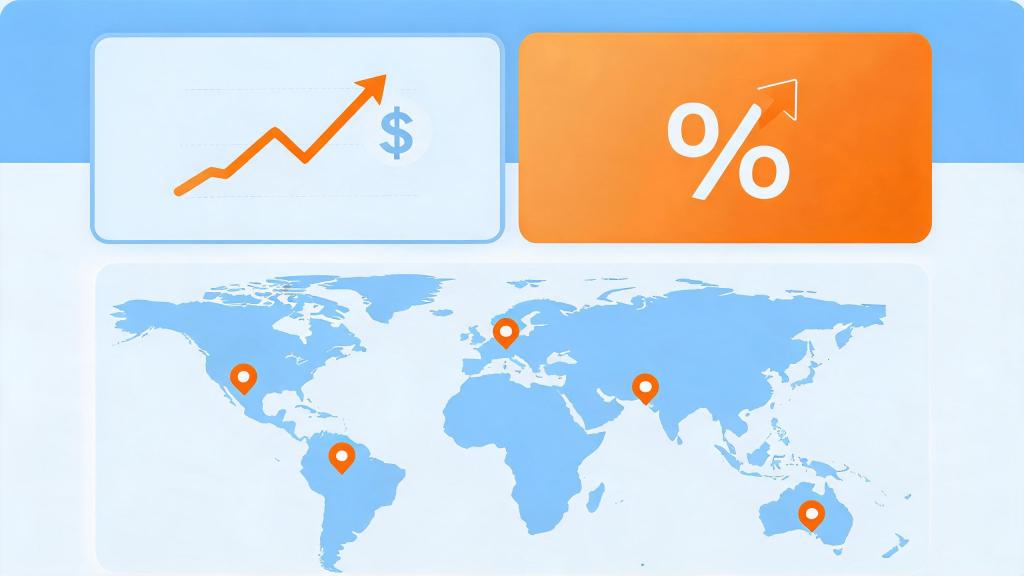
Meta’s digital service tax (DST) surcharges are now live across 7+ countries — and they’re quietly inflating your real CPA by 2–10% without changing a single line of your campaign setup. If you’re running Facebook or Instagram ads targeting users in the UK, France, Austria, Italy, Spain, Turkey, or India, you’re already paying more per acquisition than your dashboard admits.
The frustrating part: you can’t opt out of the surcharge. But you can offset it. The lever most advertisers ignore isn’t the bid — it’s everything that happens after the click.
→ Curious how return links work? See DeepClick in 1 minute — no review required, more impressions per click.
What Is the Meta Digital Service Tax Surcharge — and Which Countries Are Affected?
Digital service taxes are government levies on revenue generated from digital advertising within a country’s borders. Rather than absorbing these costs, Meta passes them directly to advertisers as line-item surcharges on ad invoices. As of 2026, the following surcharge rates apply:
- United Kingdom: 2% DST surcharge (UK Digital Services Tax)
- Austria: 5% digital advertising tax (Digitalsteuer)
- France: 3% tax on digital services revenue (Taxe sur les Services Numériques)
- Italy: 3% web tax surcharge
- Spain: 3% digital services tax
- Turkey: 7.5% digital services tax (among the highest in the world)
- India: 2% equalization levy on non-resident digital advertisers
- Canada: 3% digital services tax (DST) effective from 2024, billing from 2026
These rates are applied to your total ad spend in those regions — not just the margin. A $10,000 monthly spend targeting UK users now costs an effective $10,200. At Turkey’s 7.5% rate, that same budget becomes $10,750. Annualized across a mid-size international campaign, this adds up to real budget erosion of $15,000–$90,000+ per year.
Meta’s official help documentation lists the affected countries and surcharge rates, and the charges appear as separate line items on your monthly invoice. They are not reflected in campaign-level reporting inside Ads Manager, which means your reported CPA will always look better than your actual blended CPA once accounting is done.
The Hidden CPA Gap: Why Your Ads Manager Lies to You
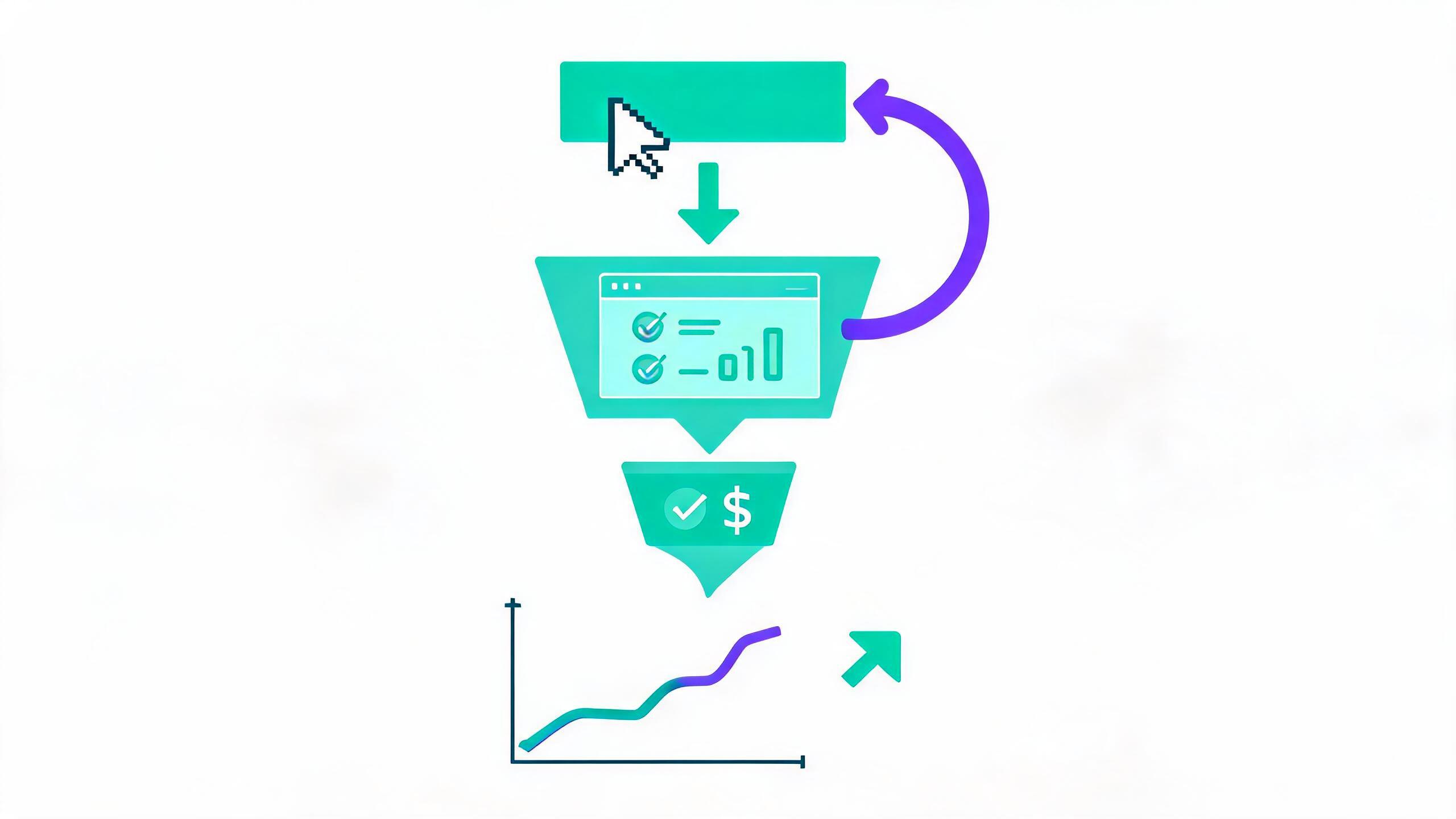
Here’s the core problem for performance advertisers: Meta’s campaign reporting calculates CPA based on ad spend, not total invoice cost. The DST surcharges appear only at the billing level — after the fact, in your finance reconciliation, not in your optimization dashboard.
What this means in practice:
- Your Ads Manager shows a CPA of $12.00 for a UK audience campaign.
- Your actual invoice includes a 2% UK DST surcharge on that spend.
- Your real CPA is $12.24 — and your actual ROAS is proportionally lower.
- If you’re also running in Turkey and France with that same budget, blended CPA inflation can reach 4–6%.
For teams running at tight margins — AI social apps, mobile games, performance e-commerce — this invisible gap has a compounding effect. You hit your CPA targets on paper, scale up spend, and only discover the true cost when finance closes the month. By then, you’ve already over-indexed into a budget hole.
The DST surcharge problem is particularly acute for App Install and Re-engagement campaigns, where CPA benchmarks are already thin and optimization cycles are fast. A 5% invisible cost increase can move a break-even campaign into loss territory within a single billing period.
Step 1: Audit Your True Blended CPA Across DST-Affected Regions
Before you can fix the problem, you need to measure it accurately. Most performance teams don’t do this step — and it’s why they keep chasing phantom optimization targets.
How to calculate your real DST-adjusted CPA:
- Export your monthly Meta invoice from Billing Settings → Payment Activity. Download the detailed invoice PDF that shows line-item DST surcharges by country.
- Segment your Ads Manager CPA by geo. Use the Breakdown → Geography function to get CPA per country for the same billing period.
- Apply the surcharge rate to each country’s spend. UK spend × 1.02, France × 1.03, Turkey × 1.075, etc. This gives you the DST-adjusted spend per country.
- Recalculate CPA as: (DST-adjusted spend) ÷ (conversions attributed to that country). Compare to your Ads Manager reported CPA.
- Build a blended correction factor for campaigns that target multiple DST-affected countries simultaneously. If 40% of your spend is in DST-affected regions at a weighted average 3.5% rate, your blended real CPA is 1.4% higher than reported (0.40 × 3.5%).
This audit should run monthly and feed back into your target CPA settings. If you’re using Meta’s automated bidding (Cost Cap or ROAS floor), you need to apply the correction factor when setting targets — otherwise, you’re telling Meta’s algorithm to optimize toward a CPA that doesn’t account for the real cost of acquiring that customer.
Step 2: Recover Lost Post-Click Revenue to Offset the Surcharge
The most effective way to offset a 2–7% cost increase without cutting spend is to improve the conversion rate of traffic you’re already buying. A 10% improvement in post-click CVR across a campaign effectively absorbs a 5% cost increase and still leaves margin.
The post-click funnel has three major leak points where revenue is lost before conversion:
Leak Point 1: Landing Page Drop-Off (Avg. 60–80% of clicks never convert)
Most Facebook ad clicks land on pages that weren’t designed for the specific audience segment, creative, or offer that generated the click. A user who clicked a “Try Free for 30 Days” ad and lands on a generic homepage with no free trial offer visible above the fold will bounce immediately. This is a structural mismatch problem, not a traffic quality problem.
Fix: Implement message-match landing pages — one page variant per ad angle. The headline on the landing page must mirror the promise in the ad creative. For AI social apps, if your top-of-funnel creative emphasizes “AI companion that listens,” the landing page must lead with that emotional benefit, not a feature list. A/B test specifically the first 200px of the page, as mobile users make scroll decisions within 3 seconds.
Leak Point 2: Interrupted Clicks and Ad Bounce (5–20% of potential impressions lost)
When a user clicks a Meta ad that leads to an App Store or external destination, a significant percentage of those clicks are intercepted by platform friction — iOS App Store confirmation dialogs, slow page load times, or store review delays that surface a “not available in your region” error. These clicks are paid for but yield zero conversions.
DeepClick’s Ad Fallback Page technology addresses exactly this failure mode: when an ad click fails to reach its primary destination, it automatically routes to a secondary landing page that captures the intent and re-engages the user — adding 10–20% more clicks from already-paid traffic. This is the “return link” model that turns wasted clicks into a second conversion opportunity, without going back through ad review.
For advertisers already absorbing a 2–7% DST surcharge, recovering 10–20% of otherwise lost clicks is a direct financial offset — not just an optimization tactic.
You can see how this fits into a full conversion rate optimization strategy in our Facebook Ads Conversion Rate Optimization 2026 guide, which covers the full funnel from ad creative through post-install engagement.
Leak Point 3: Re-Engagement Gap (Users who clicked but didn’t convert in session)
For most mobile app campaigns, the conversion doesn’t happen in the first session. A user installs, opens the app once, and then churns before reaching the monetization event (subscription, in-app purchase, game progression milestone). These are paid clicks that Meta counts as conversions, but they represent zero revenue to you.
Fix: Layer a re-engagement campaign sequence on top of install campaigns, targeting users who installed but have not completed the key conversion event within 72 hours. Use deep-link creatives that return users directly to the unconverted state (e.g., “You left your profile 80% complete — finish it for free”). For AI companion apps, this is particularly high-leverage because the first meaningful interaction is what drives subscription conversion, and many users need a second or third touchpoint to experience that.
Step 3: Restructure Campaign Targeting to Reduce DST-Heavy Exposure
If your campaign objectives allow geographic flexibility, you can strategically reduce spend concentration in high-DST countries and redistribute toward lower-rate or DST-exempt markets — while maintaining overall conversion volume.
Practical geo-rebalancing for Meta advertisers:
- Identify your DST cost drag by country. Using the audit methodology from Step 1, rank your campaigns by “DST cost as % of total CPA.” Countries like Turkey (7.5%) and Austria (5%) will rank highest.
- Compare lifetime value (LTV) against DST-adjusted CPA. Some high-DST markets also produce higher LTV users (e.g., UK users often have higher subscription conversion rates). The DST surcharge may still be worth paying if LTV-to-CPA ratio remains favorable.
- Find adjacent markets with similar audience behavior but lower DST exposure. For example, advertisers targeting Western European AI app users might find Germany (lower DST exposure) or Netherlands comparable conversion rates at lower blended CPA.
- Set Country-Level Bid Adjustments. Meta’s campaign structure allows manual bid adjustments at the ad set level by geo. Create separate ad sets for high-DST countries with bid ceilings that reflect the DST-adjusted target CPA, not the nominal one.
This restructuring approach pairs well with the post-click optimization strategies in our article on AI content label impacts on ad post-click conversion, which covers how platform-level changes (labels, policy signals, DST) interact with conversion optimization strategy.
Step 4: Maximize Ad Impression Efficiency Through Ad Complaint Reduction
One of the least-discussed costs of running Meta ads in regulated markets is the feedback loop between ad complaints, Quality Ranking, and CPM inflation. In DST-affected markets — where ad policy scrutiny is often higher — ads that generate user complaints get penalized with lower Quality Ranking scores, which in turn pushes CPMs up. This compounds the DST cost increase: you’re paying more at the invoice level AND more per impression at the campaign level.
DeepClick’s approach to this problem is two-pronged:
- Reduce ad complaints by 80% through Ad Fallback Pages that gracefully handle failed click scenarios instead of frustrating users with dead links or App Store errors.
- Improve Quality Ranking by ensuring that ad clicks consistently reach relevant, fast-loading destinations — a key signal in Meta’s post-click quality evaluation.
A cleaner click experience reduces friction-driven complaints, maintains Quality Ranking, and protects your CPM from the secondary inflation that often follows policy-sensitive markets. For advertisers already managing DST surcharges, this CPM protection is an additional buffer worth quantifying.
For background on how Meta’s ad review environment interacts with these signals, see our piece on Meta ad review tightening and post-click strategy 2026.
Step 5: Build a DST-Aware ROAS Model for 2026 Planning
Many performance teams set ROAS targets at the start of a campaign cycle without factoring in DST surcharges — because they didn’t exist or weren’t material 2–3 years ago. In 2026, with surcharges now locked in across 8+ markets and potentially expanding to more, ROAS floor-setting needs a DST adjustment layer.
How to build a DST-aware ROAS model:
- Calculate your weighted DST rate across your total addressable market. If 35% of your annual spend is in UK, France, and Turkey (weighted avg ~3.5% DST), your blended DST drag is approximately 1.2% on total spend.
- Add the DST drag to your ROAS denominator. If your minimum viable ROAS is 2.5x (spend $1, earn $2.50), and DST adds 1.2% to real spend, your adjusted ROAS floor is 2.5x × 1.012 = 2.53x. This is the number you give to Meta’s ROAS floor bidding strategy.
- Build a quarterly DST reconciliation into your media plan. Rather than discovering the gap in annual finance reviews, run a 90-day rolling check: export Meta invoices, sum DST charges by country, compare to campaign-level conversion value. Update ROAS targets accordingly.
- Stress-test with DST expansion scenarios. Several countries (Brazil, Canada additional provinces, EU expansion) are in various stages of DST legislation. Model your ROAS sensitivity if your top-3 revenue markets add a 5% surcharge next quarter.
Summary: 5-Step Action Checklist for DST-Affected Meta Advertisers
The Meta digital service tax surcharge is not optional, and it’s not going away. But it is manageable with the right combination of accurate cost accounting and post-click conversion optimization. Here’s the action list:
- Audit your real CPA: Export Meta invoices and calculate DST-adjusted CPA by country every month. Stop optimizing against a phantom number.
- Recover post-click revenue: Fix landing page message match, implement Ad Fallback Pages for failed clicks, and layer re-engagement sequences for non-converting installs.
- Restructure geo-targeting: Set DST-adjusted bid ceilings by country. Don’t apply the same CPA target to Turkey (7.5% DST) and Germany (0% DST).
- Protect CPM through quality signals: Reduce ad complaints and maintain Quality Ranking by ensuring clean, relevant post-click experiences.
- Update your ROAS floors: Build DST drag into your automated bidding strategy targets — not just your reporting spreadsheet.
For AI social apps and mobile games running heavy Meta budgets across DST-affected markets, the combined impact of these five steps typically exceeds the DST surcharge by a margin of 2–3x. The surcharge raises your cost floor; post-click optimization raises your conversion ceiling. The gap between them is where your ROAS lives.
One ad click, multiple no-review impressions — that’s the DeepClick return link.
DeepClick helps Meta advertisers recover lost clicks with Ad Fallback Pages (+10-20% clicks), reduce ad complaints by 80%, and unlock 5-15% more conversions — without going through ad review again.
 DeepAds
留下评论